Choose your apps.
Select the social apps you want to step away from. You decide what needs a break.
 Doomsurfing.Get the App
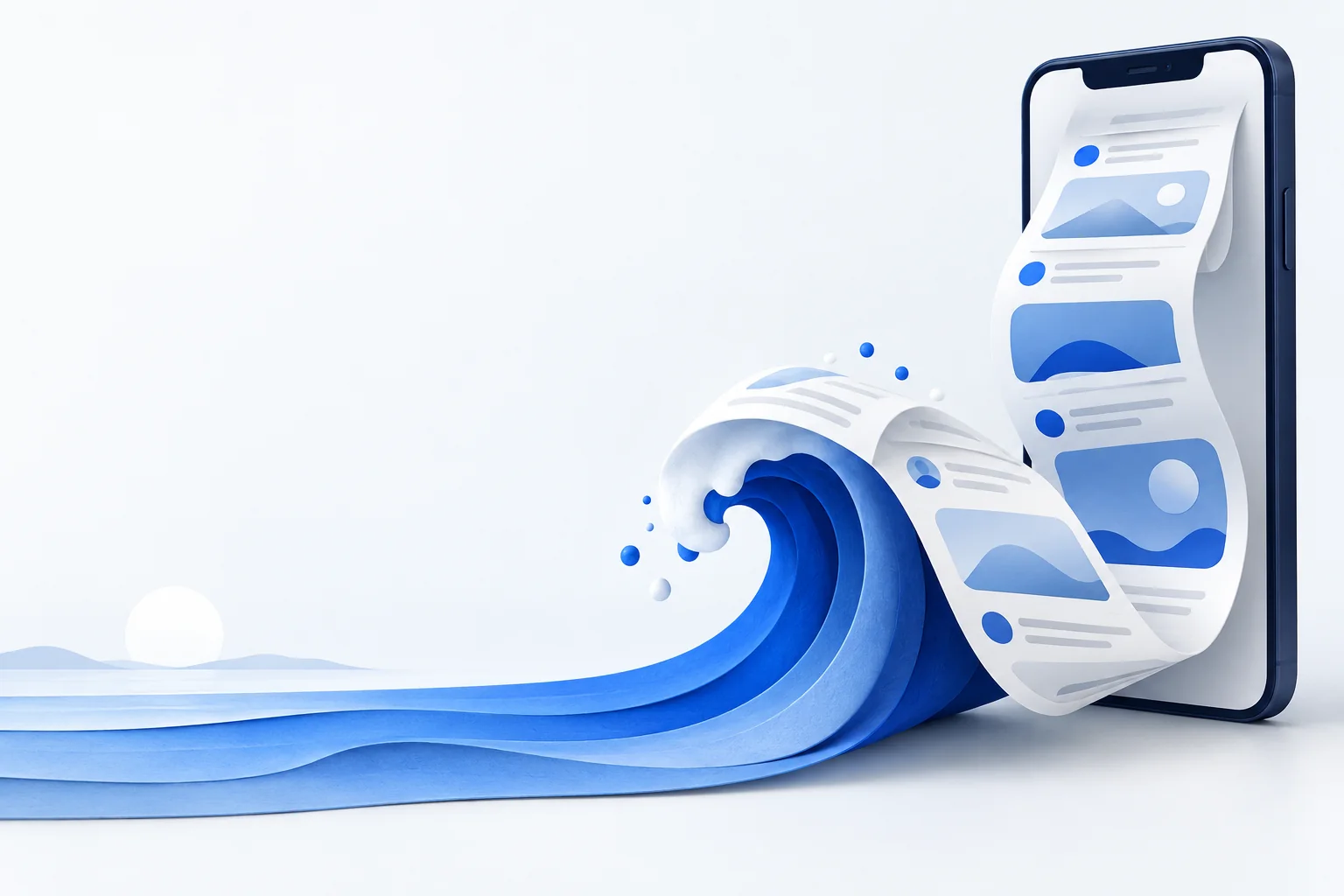
A little less scrolling. A little more living.
Doomsurfing is available now for iPhone. Take timed breaks from selected social apps while keeping Phone and Apple Messages available.
See how it works

Available on the App Store · Android not yet available
Choose your apps. Choose your time. Disconnect.
A break from your feed.
Not from your people.
Less setup. More headspace.
No complicated routines.
Just a little space between you and your feed.
Select the social apps you want to step away from. You decide what needs a break.
A quick reset or a longer pause. Pick 15 minutes, 30 minutes or an hour.
Your selected apps are blocked for the break. Put your phone down and get back to your day.

Life beyond the feed
A conversation. A quiet coffee. A walk without checking your phone. Doomsurfing makes a little space for whatever matters to you.
Phone and Apple Messages remain outside your block list.
See how much time remains. In personal mode, you can choose to end your break early.
Instagram, TikTok, X, YouTube, and Facebook,
can wait while you focus on what’s right in
front of you.
Simply Doomsurfing
One clear action at the centre of your day. Select a duration, tap Disconnect, and let your break begin.
Explore featuresView totals for your selected apps by week, month or year. Reports show the dates available from iOS, so you know exactly what is included.
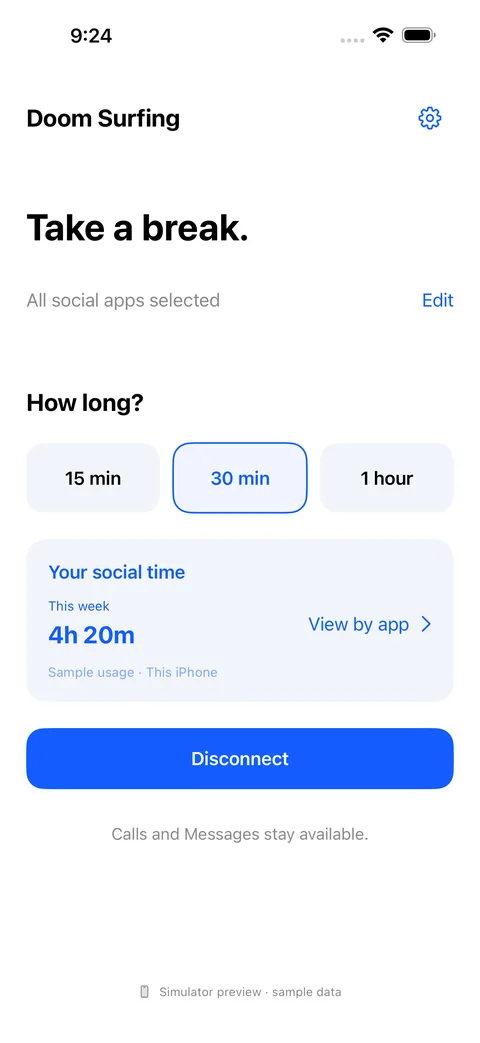
Free on iPhone
Selected-app blocking and usage reports are free, with no subscription or purchase required. Screen Time permission is needed.
Get Doomsurfing for iPhoneA few things to know
Doomscrolling, also called Doomsurfing, means repeatedly browsing negative or upsetting news online, often continuing even when the content leaves you feeling worse. The terms describe a pattern of consuming content, particularly on news sites and social feeds.
Doomsurfing is the name of our app. It is designed to help you take timed breaks from selected social apps while keeping Phone and Apple Messages available. You choose the apps and the length of your break.
Yes. Doomsurfing keeps Phone and Apple Messages outside its block list. Your normal device and carrier settings still apply. Calls or chats inside a social app you have blocked may be unavailable during the break.
You choose which apps to restrict. It does not disconnect your social accounts. Website access is separate, so blocking an app does not automatically block its website.
Yes. You can tap End break and confirm.
Choose Week, Month or Year to view the available activity for your selected apps. iOS does not guarantee a fixed history window. Doomsurfing shows the covered dates and identifies partial history.
No. App blocking and usage reports are free. No subscription or purchase is required. Apple Screen Time permission is needed for those features. See download and existing-purchase information.
Your time. Your choice.
Take a break. Stay connected.
Meet your next breakApple, the Apple logo and iPhone are trademarks of Apple Inc., registered in the U.S. and other countries. App Store is a service mark of Apple Inc. Google Play and the Google Play logo are trademarks of Google LLC.